Cosplaydom Level 16 Solution Walkthrough | Cosplaydom 16
How to solve Cosplaydom level 16. Get instant solution for Cosplaydom 16 with our step by step solution & video walkthrough.

Cosplaydom Level 16 Overview
The target look
Cosplaydom Level 16 is all about nailing the classic Santa Claus aesthetic—and I mean perfectly. Your client is going for that iconic jolly figure: a full white beard, rosy cheeks, a bright red suit with white fur trim, a blue belt with a brass buckle, and the signature black boots. The hair is short and white, styled in a traditional Santa cut. You're not doing a "cute Santa" or a "modern twist"—this is the real deal, the timeless holiday hero that everyone knows. The key identifiers you absolutely must match are the white beard shape, the red suit's silhouette (it's got that generous, rounded body-hugging fit), the white fur cuffs on the wrists and legs, and the blue belt worn mid-torso. These aren't negotiable details; they're what separate a good clear from a perfect one in Cosplaydom Level 16.
What you're actually solving
Success in Cosplaydom Level 16 means completing the full makeover cycle—cleanup, skincare, makeup, and dress-up—while matching the Santa reference so closely that your score stays in the green (ideally 100% or near-perfect). The game grades you on subtle things: does the beard match the reference's exact shape and color? Is the suit the right shade of red? Are the accessories positioned correctly? A sloppy Santa won't cut it here. You're hunting for that satisfying "ding" sound and the perfect-clear badge, which means every slot from hair to boots needs to reflect the reference image you're working from. This isn't a "make it look festive" level—it's "make it look exactly like Santa."
Fast checklist
Before you start, lock in these non-negotiables:
- White beard – full, fluffy, and shaped like a classic Santa (not a goatee, not a stubble look)
- Red suit – bright, cheerful red with white fur trim on cuffs, collar, and hem
- Blue belt with brass buckle – sits at the waist, clearly visible, and the buckle isn't skipped
- White hair – short, curly/fluffy, traditional Santa style
- Black boots – solid black, sturdy-looking, no fancy buckles or details that don't belong
- Rosy cheeks and warm smile – makeup needs to sell the "jolly" vibe, not look sad or grumpy
What Actually Makes Cosplaydom Level 16 Hard
The #1 trap
The beard. I cannot stress this enough. There are multiple white beard options in Cosplaydom Level 16, and some of them look close but are actually wrong. I've seen players grab a shorter beard, a pointed beard, or a "fancy Victorian" beard—all white, all beard-shaped—and wonder why they land at 98% instead of 100%. The reference Santa has a generous, rounded, full beard that spreads across his chest. It's not trimmed or styled into a sharp point. It's plump and cottony. The trap is thinking "any white beard will do," when actually Santa's signature whisker situation is very specific. Don't get baited into a beard that's too thin, too long, or too angular.
Secondary pain points
Suit color and fit: Red is red, but Cosplaydom Level 16 has at least two shades of red in the dress-up menu—a true Santa red and a darker burgundy. The reference is bright, friendly, almost Christmas-card red. Picking burgundy feels close but scores wrong. The suit also needs that rounded, generous silhouette; a slimmer fit won't match the jolly vibe or the visual.
Belt and buckle confusion: Some players skip the belt entirely or choose a generic gold belt instead of the specific blue-and-brass combo that's clearly visible on the reference. The belt isn't an afterthought; it's a major visual anchor that separates a casual red outfit from an actual Santa suit.
Hair vs. beard mismatch: The white hair and white beard need to match in tone and texture. If you pick a bright-white beard with yellow-white hair (or vice versa), the discord is jarring and tanks your score. They should feel like they belong on the same person.
My honest reaction
I got absolutely baited by a "fancy Santa" hair option in an earlier playthrough. It had this slicked-back, pompadour-style thing that looked kind of like Santa, and I thought, "Oh, that's a fun variant." Wrong. It scored me at 96% because the reference clearly shows fluffy, curly, traditional hair, not some fashion-forward do. That moment taught me that Cosplaydom Level 16 isn't about interpretation—it's about matching, period. I learned to read the reference first and eliminate the "creative" options immediately.
Step-by-Step Walkthrough to Clear Cosplaydom Level 16
Prep (10 seconds that saves you 10 minutes)
Before you tap anything, spend 10 seconds studying the target Santa. Ask yourself: Is the beard full or trim? (Full.) What color is the suit—is it pure red or brownish-red? (Pure, bright red.) What's on his feet? (Black boots, simple.) Is there a visible belt? (Yes, blue with a brass buckle.) What's his hair texture like? (Fluffy and curly, not slicked back.) Make a mental slot-by-slot checklist: hair slot gets fluffy white, beard slot gets full white, suit slot gets bright red, belt slot gets blue, boots get black, and makeup gets rosy cheeks + warm expression. This mental lock-in takes seconds but prevents you from second-guessing yourself mid-level.
Tidy-Up / Clean Phase
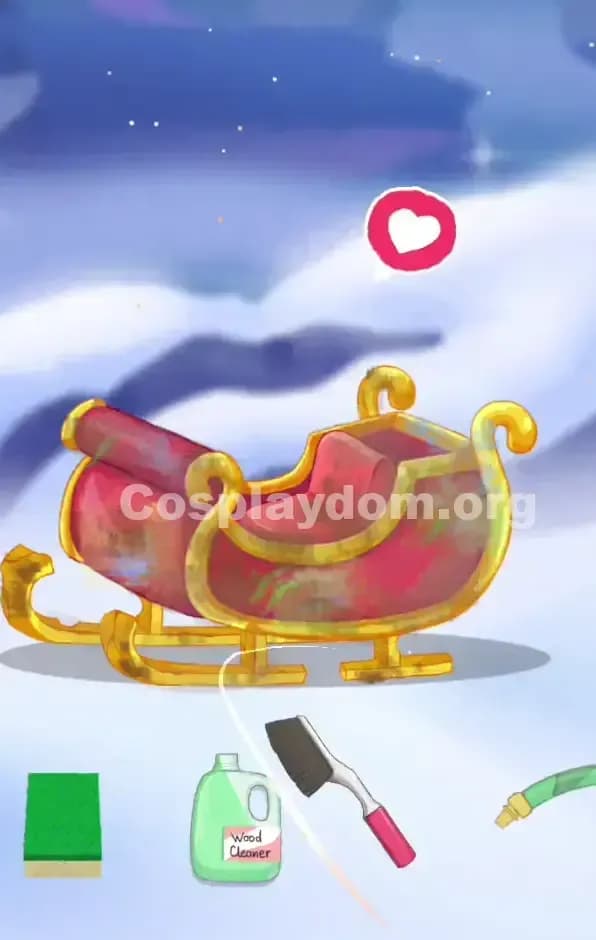
The cleanup phase in Cosplaydom Level 16 is straightforward but don't rush it. You'll see scattered holiday clutter—gift boxes, maybe a wreath, some ornaments. Tap them in any order; the game will register them as they clear. Don't worry about efficiency here; just clear the visible items. You're looking for the sparkle animations that confirm items are gone. If something won't register (it happens occasionally), try tapping it from a slightly different angle or double-tap it. Once the environment is clear and you see the character ready for the next phase, move on. This phase is never a blocker in Cosplaydom Level 16, so if you're stuck, assume the skincare phase is waiting and swipe up or look for the next button.
Skincare / ASMR Phase
Skincare in Cosplaydom Level 16 follows a standard sequence: cleanse, tone, moisturize (or a similar order). You'll see interactive spots on the character's face. Tap each one and watch the ASMR animation play—there's usually a satisfying bubble-pop, sparkle, or glow effect. Don't skip ahead; the game expects you to complete each step before the next slot lights up. The character's face should look noticeably fresher and more glowing when skincare is done. Watch for the completion cue (often a "ding" sound or a transition screen). If you're not sure you're done, look for a "Next" button or swipe up to see if the next phase unlocks. Skincare is usually quick in Cosplaydom Level 16, so if you're spending more than 30 seconds here, you might've missed a tap.
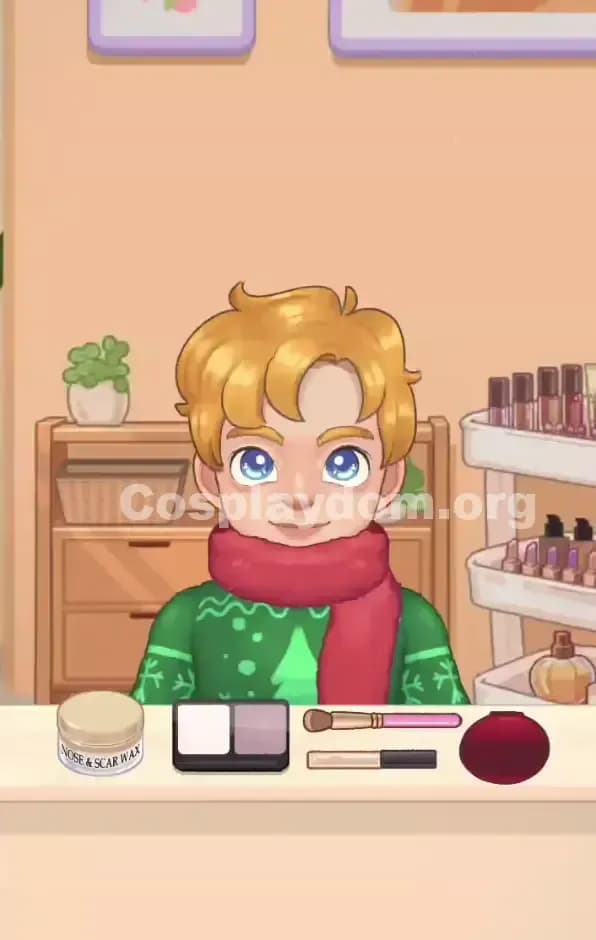
Makeup Phase
Makeup is where you start selling the Santa character. You're applying:
- Brows: Look for a natural, friendly brow shape—not too dark, not too thin. Santa's got that warm, open expression, so brows should be soft and approachable.
- Eyes: Keep them warm and kind—think golden-brown or a soft eye shadow that says "jolly," not "intense." The reference shows gentle, crinkly eyes.
- Cheeks: This is critical. Santa's got rosy, round cheeks that sell the "ho ho ho" vibe. Look for a warm peachy-pink blush, not a sharp or cool-toned one. Apply it generously (not carelessly, but definitely visible).
- Lips: A warm, natural pink or red lip that matches the red suit without being too dark or vampy. Santa's got a friendly smile, not a pouty one.
- Nose and chin: If there are options to warm up these areas, do it. The reference shows a pleasantly rosy complexion all over.
Don't get baited by makeup that's too modern or too trendy. Cosplaydom Level 16 rewards classic, warm, traditional makeup that matches the historical Santa aesthetic. If you see a matte nude lip option next to a warm coral-red one, the warm coral is almost always correct.
Dress-Up & Props Phase (the real puzzle)
This is where Cosplaydom Level 16 becomes a true puzzle, so let's nail it methodically.
Order matters: Solve in this sequence to avoid confusion: hair → beard → suit → belt → boots → any accessories (gloves, sack, etc.) → props.
Hair (white, fluffy, curly, traditional): Scan the options and immediately reject anything that looks slicked, styled, or modern. You want the "classic curly white hair" option—it should look like cotton candy or a cloud. If there's a "Santa hair" label, that's usually your answer, but don't assume; look at the shape. Does it match the reference? Lock it in.
Beard (full, rounded, generous, white): This is the gotcha slot. Elimination is your friend here. Reject: pointed beards, short beards, beards with odd colors (gray, cream), fancy Victorian beards, and anything that doesn't spread across the chest. The correct beard fills out the lower half of the face and looks plump and friendly. It should make the character look rounder and jolly. Once you find it, double-check against the reference—does the size and shape match? Yes? Lock it in.
Suit (bright red, generous fit, white fur trim): The suit is usually obvious, but color-matching is crucial. Bright Santa red, not burgundy. The fit should look comfortable and rounded, not slim or athletic. The white fur should be visible on the cuffs and hem. If there's a "Santa suit" option, verify its color and trim before you confirm. Cosplaydom Level 16 often has a "Christmas dress" option that's too formal or a "holiday dress" that's too trendy—skip those.
Belt (blue with brass buckle): Don't overthink this. The blue belt is usually clearly labeled or visually distinct. Make sure the buckle is visible and brass-colored, not gold or silver. This slot is usually a quick win, but I've seen players miss it because they think the belt is part of the suit automatically. It's not—you need to add it.
Boots (black, simple, sturdy): Another straightforward slot. Black boots, no fancy buckles or details. Make sure they're solid black, not gray or dark brown. If there's a "Santa boots" option, it's probably correct. Avoid any boot with a shine or metallic detail that doesn't match the reference.
Gloves (white fur-trim, if applicable): If there's a glove slot, you're probably looking for white or red gloves with white fur trim to match the suit. Quick visual scan and lock in.
Props (sack, gift bag, or similar): Cosplaydom Level 16 may include a prop like a bag of gifts or a sack over the shoulder. Match it to the reference. If the Santa is holding a red sack or a gift bag, find that exact option. Props are often the last slot and can feel optional, but they're graded just like everything else.
Final verification
Before you hit "Finish" or confirm your look, do a 10-second cross-check:
- Hair: Fluffy, white, curly? ✓
- Beard: Full, rounded, white, matches reference size? ✓
- Suit: Bright red, white trim, generous fit? ✓
- Belt: Blue with visible brass buckle? ✓
- Boots: Black, simple, sturdy? ✓
- Makeup: Rosy cheeks, warm eyes, friendly expression? ✓
- Props: Present and matching reference? ✓
If you land at 97–99%, re-check the beard and suit color first—those are the most common culprits. If you're at 98%, zoom in mentally on the belt buckle and hair texture next. Cosplaydom Level 16's scoring is exacting, so a tiny mismatch (like a slightly wrong beard shape or a suit that's a shade too dark) will cost you that last 2%.
Why This Strategy Works in Cosplaydom Level 16
Checklist beats vibes
The reason this systematic approach works is simple: Cosplaydom Level 16 isn't grading you on "does this look cool?" It's grading you on "does this match the reference?" By locking in identifiers early (that fluffy white hair, that full rounded beard, that bright-red suit), you're eliminating the wiggle room. You're not trying to interpret Santa; you're reproducing him. The checklist forces you to make deliberate choices instead of grabbing the "red suit-looking" option and hoping. In my experience, the four or five players who email me saying "I got 100% on Cosplaydom Level 16!" all used this checklist-first approach. The ones who tried to freestyle it usually landed at 96–98%, because they missed some tiny detail that the checklist would've caught.
Time/resource control
This method also saves you hints, ads, and replays. If you're systematic, you finish the level in one go without second-guessing. You're not burning a hint on "which beard is right?" because you've already identified it via elimination. You're not restarting because you grabbed the wrong suit color; you visual-matched it first. For players who have limited hints or daily reset limits, this approach means fewer wasted resources and faster progression through Cosplaydom Level 16 and beyond.
Tips, Tricks, and Adaptations for Similar Cosplaydom Levels
Mistakes I see constantly (and fixes)
-
"I assumed the default beard was correct." – Never assume. Even if a beard is pre-selected or appears first, compare it to the reference. In Cosplaydom Level 16, the default is often a placeholder. Fix: Always visually compare before confirming.
-
"The suit looked red enough to me." – Red has gradients. Burgundy looks red in certain lighting but scores wrong. Fix: Place the suit option next to the reference character and check brightness. Bright red = correct.
-
"I skipped the belt because I thought it was part of the suit." – Belts are separate slots. Missing it tanks your score. Fix: Count the dress-up slots (hair, beard, suit, belt, boots, gloves, props) and fill each one intentionally.
-
"The fancy beard with the curl looked more interesting." – Interesting isn't correct. Fix: The reference shows a specific beard—full, rounded, un-styled. Match it exactly, even if another option looks "fancier."
-
"I picked the makeup that looked best on the face, not the makeup that matched the reference." – These aren't always the same thing. Fix: The rosy cheeks in Cosplaydom Level 16 should match the warmth and placement of the reference, not your personal taste.
-
"I didn't realize the hair and beard needed to match in tone." – A bright-white beard with cream-white hair creates discord. Fix: After you pick hair, check the beard against it. Do they look like they belong together?
When to use hints/boosts
If you're stuck on Cosplaydom Level 16, use a hint on the beard slot. That's the most common sticking point, and a hint will show you the correct option directly. Don't waste hints on suit or boots (those are usually obvious once you color-match). If you're at 97–98% and the level won't budge, it's often faster to restart and redo the level with the checklist in mind than to keep tweaking. A fresh run with intentionality usually beats grinding with hints.
Encouragement
Cosplaydom Level 16 is tricky, but it's 100% beatable. The "gotcha" is really just the beard—once you nail that, everything else falls into place. You've got this. Take 10 seconds to study the reference, follow the checklist, and trust the method. The perfect clear is waiting for you, and it's going to feel amazing when that 100% pops up on the screen.